What is a green screen video?
Author
Monique van der Wal
Date
October 20, 2025
Reading time
4 min.
Do you sometimes wonder where all those marketing and advertising agencies get the budget to shoot videos in the most extraordinary locations? A commercial for Eastern dishes on a beach in Bali, a recruitment campaign for sports talents at the Los Angeles Memorial Coliseum, or a random stand-up comedian on a Spanish beach, these are just a few examples of videos that provoke jealous and questioning looks.
We can reassure you right away, the chances are very slim that the footage was shot in these locations. More than likely, it is a green screen video. In this blog, we explain what a green screen video is and what its possibilities are.
Do you sometimes wonder where all those marketing and advertising agencies get the budget to shoot videos in the most special locations? A commercial for Eastern dishes on a beach in Bali, a recruitment campaign for sports talents at the Los Angeles Memorial Coliseum, or a random stand-up performer on a Spanish beach—these are just a few examples of videos that cause envious and questioning glances.
We can reassure you right away, the chance is very small that the footage was shot in these locations. More than likely, it's a green screen video. In this blog, we explain what a green screen video is and what its possibilities are.
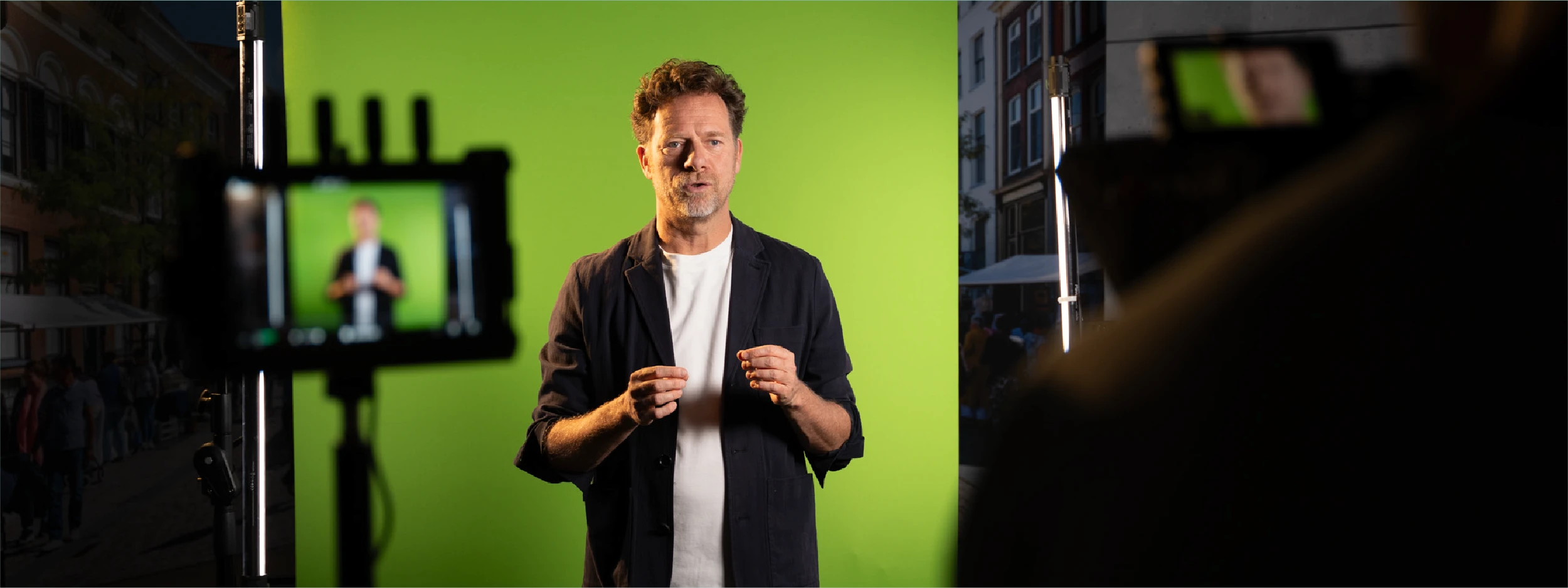
A green screen video: presenting in front of a green screen
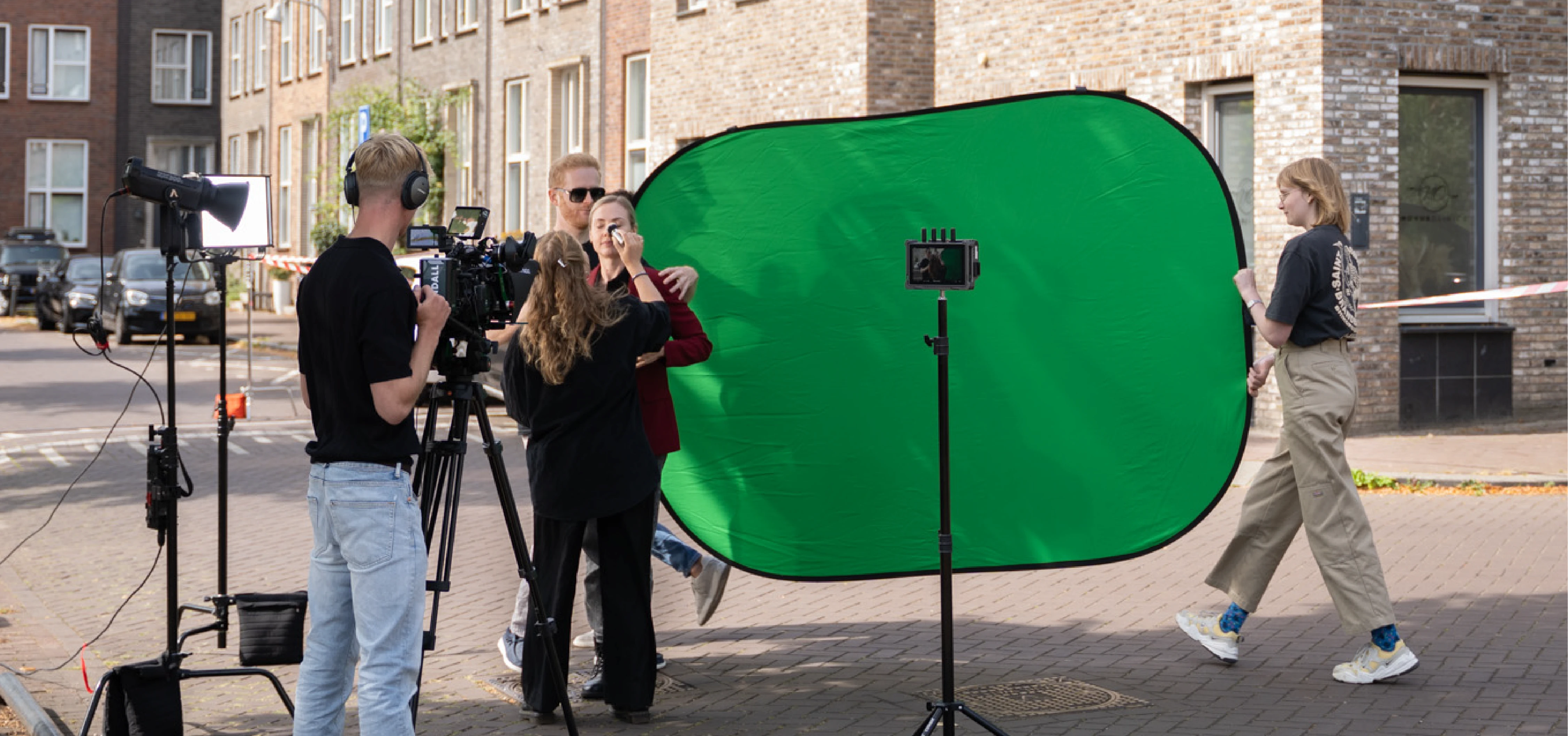
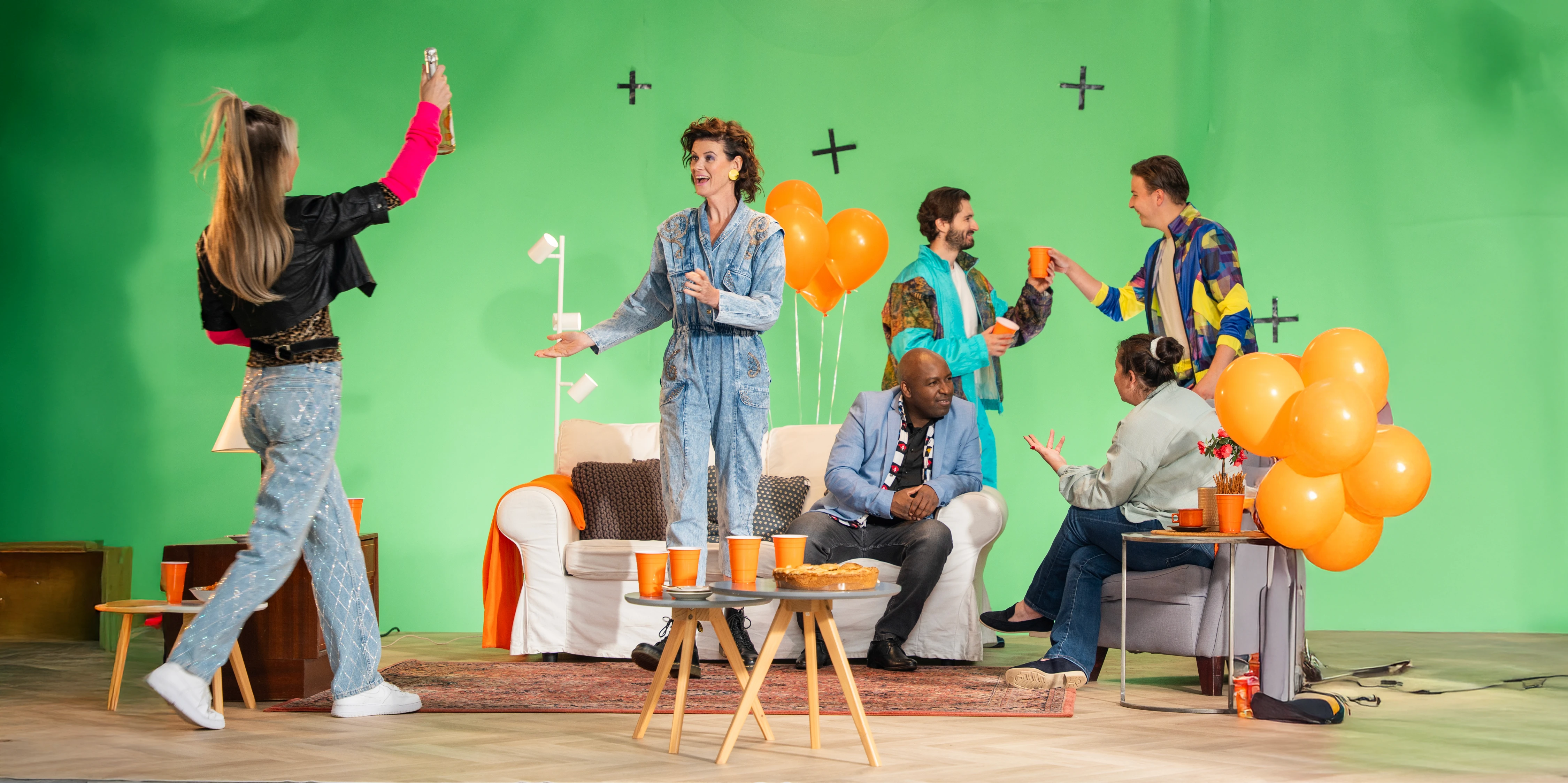
A green screen does its name all the honor. It is a green screen that stands behind the actor (or occasionally an object) during the making of a video production. In the editing, the green screen is digitally replaced by any background. The background can be a still image, such as a picture, company logo, or solid area, but moving images are also possible. The options with a green screen video are therefore very numerous.
To apply this technique, you need special computer software that replaces all the green in the recording with a background of your choice. A green screen is almost always green, and not only to honor its name. Because the color is completely replaced in the editing, it is important to use a color that does not reappear anywhere else in the image. That is why the screen has a special shade of green known as chroma. Hence, this technique is also referred to as chroma key technology.
A green screen lives up to its name. It is a green screen that stands behind the actor (or occasionally an object) during the making of a video production. In the editing, the green screen is digitally replaced by a random background. The background can be a still image, such as a picture, company logo, or solid color, but moving images are also possible. The options with a green screen video are therefore very numerous.
To apply this technique, you need special software that replaces all the green in the recording with a background of your choice. A green screen is almost always green, and not just to honor its name. Because the color is completely replaced in the editing, it is important to use a color that does not appear anywhere else in the image. Therefore, the screen has a special shade of green, called chroma. Hence, this technique is also referred to as chroma key technology.
Green screen vs blue screen
We mentioned earlier that a green screen is almost always green. However, blue is also an option. This works with exactly the same technique and you need to take the same factors into account. In practice, you encounter green screens much more often than blue screens, because the possibilities of green screens are greater, especially when filming during the day and needing daylight. For recordings in the dark, a blue screen is better because less light reflects off the filmed person.
Green screen vs blue screen
We mentioned earlier that a green screen is almost always green. Blue is also an option, however. This works with exactly the same technique, and you have to take the same factors into account. In practice, you encounter green screens much more often than blue screens, because the possibilities of green screens are greater, especially when you film during the day and need natural light. For recordings in the dark, a blue screen is better because less light reflects back on the filmed person.
"With a green screen, you don't have to travel around the world; you can bring any location into the studio."
"With a green screen, you don't have to travel around the world; you can bring any location into the studio."
What do you use a green screen video for?
A green screen can be used for various applications. Weather presenters do not stand in front of a screen with weather maps during the recording or live broadcast. In reality, they stand in front of a green screen where the various maps with current weather, images, and forecasts appear. They see on a smaller screen that is out of sight which weather map is currently visible to the viewers.
A green screen video can also be perfectly used for advertisements, e-learnings, and presentations. One of the advantages is that you can depict people in fictional environments. Suppose you want to develop an e-learning about the energy transition, you could either stand or sit at a desk explaining why it's so important to establish offshore wind farms with some photos in the background.
What works much better and is also a lot more fun to create is to utilize the possibilities of a green screen video. You place the presenter in a studio in front of the green screen and let him or her talk about the importance of the energy transition. In the editing process, the green screen is replaced with images of the offshore wind farm, images of power cables, and people using electricity at home. This way, you get images that serve their purpose, illustrating the text, rather than just filling space because you need visuals for a video as well. The opportunity for interaction gives you extra options to make e-learnings appealing. In addition, you can easily use your brand style as a background and further optimize the content with text and visuals.
What do you use a green screen video for?
A green screen can be used for various applications. Weather presenters do not stand in front of a screen with weather maps during recording or live broadcasts. In reality, they stand in front of a green screen where the various maps with the current weather, images, and forecasts appear. They see on a smaller screen that is out of sight which weather map is currently visible to the viewers.
A green screen video can also be perfectly used for advertising, e-learnings, and presentations. One of the advantages is that you can depict people in fictional environments. Suppose you want to develop e-learning about the energy transition, you could very boringly stand or sit at a desk and explain with some photos in the background why it is so important to establish offshore wind farms.
What works much better and is also a lot more fun to create is to make use of the possibilities of a green screen video. You place the presenter in a studio in front of the green screen and let him or her talk about the importance of the energy transition. In the editing, the green screen is replaced with images of the offshore wind farm, images of power cables, and people using electricity at home. This way, you get images that serve their purpose, illustrating the text, and not just as filler because you need visuals for a video as well. The potential for interaction gives you extra options to make e-learnings attractive. Additionally, you can easily use your corporate identity as a background and further optimize the content with texts and visuals.
Real recordings or AI?
In the example of the offshore wind farm, it is ideal to sail to the work island, take off a drone there, and capture images of the wind turbines from the air. With high-voltage cables, this is not an option due to safety regulations prohibiting drone flights. AI provides a solution in that case, especially for instructional videos and e-learnings where AI is very valuable and enriching.
The possibilities of artificial intelligence are only growing. Thanks to AI, you can essentially use any images you want, just like various applications, such as:
Automatic keying: AI can almost automatically remove the green background without you having to manually tweak settings.
Generating smart backgrounds: with generative AI, a lot is also possible. You can create unique backgrounds by providing a description, such as: "An offshore wind farm, filmed from the air." This will then automatically become a background without needing to purchase expensive royalty-free images.
Automatic lighting and color correction: AI can adjust the lighting and colors of the person in the frame to match the new background, making the images appear more realistic.
Depth and 3D effects: certain AI systems can estimate where the person is located in 3D space. This allows you to add dynamic backgrounds that move with the camera, as if it were actually filmed on location.
Automatic editing and effects: AI is a reliable support during editing by choosing the right transitions, effects, or scenes that fit the background and/or story.
Real recordings or AI?
In the example of the offshore wind farm, it is ideal to sail to the work island, launch a drone there, and capture images of the wind turbines from the air. With high-voltage cables, this is not an option, as you are not allowed to fly a drone there due to safety reasons. AI offers a solution in that case, especially for instructional videos and in e-learnings, AI is very valuable and enriching.
The possibilities of artificial intelligence are only increasing. Thanks to AI, you can essentially use all the images you want, just like various applications, such as:
Automatic keying: AI can almost automatically remove the green background without needing to tweak settings manually.
Generating smart backgrounds: with generative AI, a lot is also possible. You can create unique backgrounds by giving a description, such as: “An offshore wind farm, filmed from the air.” This will then automatically become a background, without needing to purchase expensive royalty-free images.
Automatic lighting and color correction: AI can ensure that the lighting and colors of the person in the frame are adjusted to match the new background, making the images appear more realistic.
Depth and 3D effects: certain AI systems can estimate where the person is located in 3D space. This allows you to add dynamic backgrounds that move with the camera, as if it was really filmed on location.
Automatic editing and effects: AI is a support and confidant during the editing process, by choosing appropriate transitions, effects, or scenes that match the background and/or the story.
Conclusion: a green screen makes your video
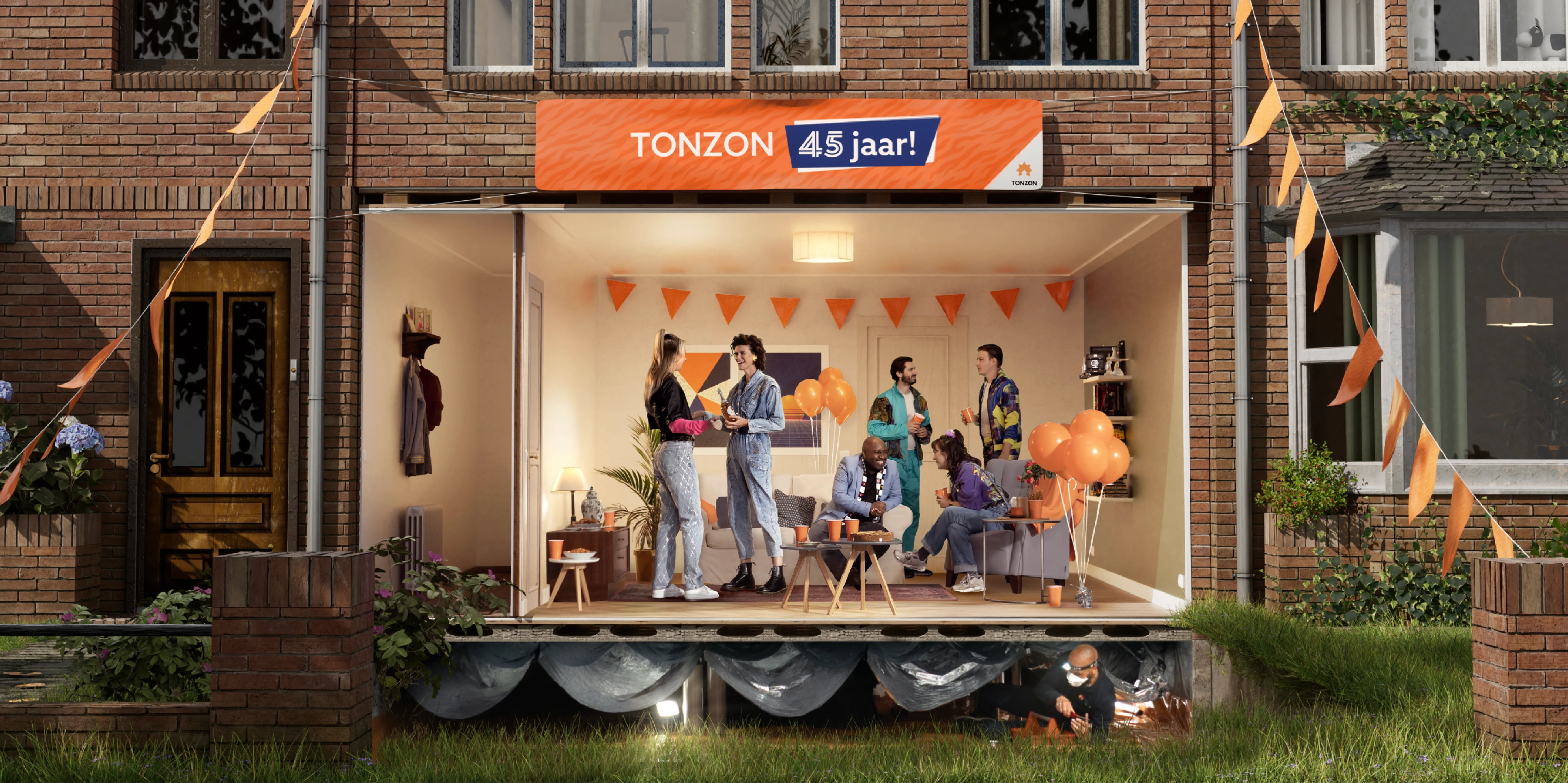
In video productions, a green screen is indispensable. Thanks to the green screen, it is possible to project all kinds of backgrounds behind the speaker. This way, you don’t have to travel all over the world (or the country) to capture the desired footage.
AI provides more and more options. Whereas a few years ago it was necessary to go to a specific location for specific footage, you simply tell AI which images you want in the background, and they roll out. That doesn’t mean you should exclude real footage. In our opinion, real footage always wins out over artificial. Fortunately, it’s not a competition, and they only enhance each other in creating a green screen video.
About the author
Monique studied illustration and then completed a master's in fine arts. At Indall, she works as a creative, specializing in graphic design. She develops concepts and infographics, among other things, to make technical content practically understandable.
Monique van der Wal
creative

About the author
Monique studied illustration and then completed a master's in fine arts. At Indall, she works as a creative, specializing in graphic design. She develops concepts and infographics, among other things, to make technical content practically understandable.
Monique van der Wal
creative
About the author
Monique studied illustration and then completed a master's in fine arts. At Indall, she works as a creative, specializing in graphic design. She develops concepts and infographics, among other things, to make technical content practically understandable.
Monique van der Wal
founder