Creating e-learnings and instructions with AI; do's and don'ts
Author
Monique van der Wal
Do: a smooth process
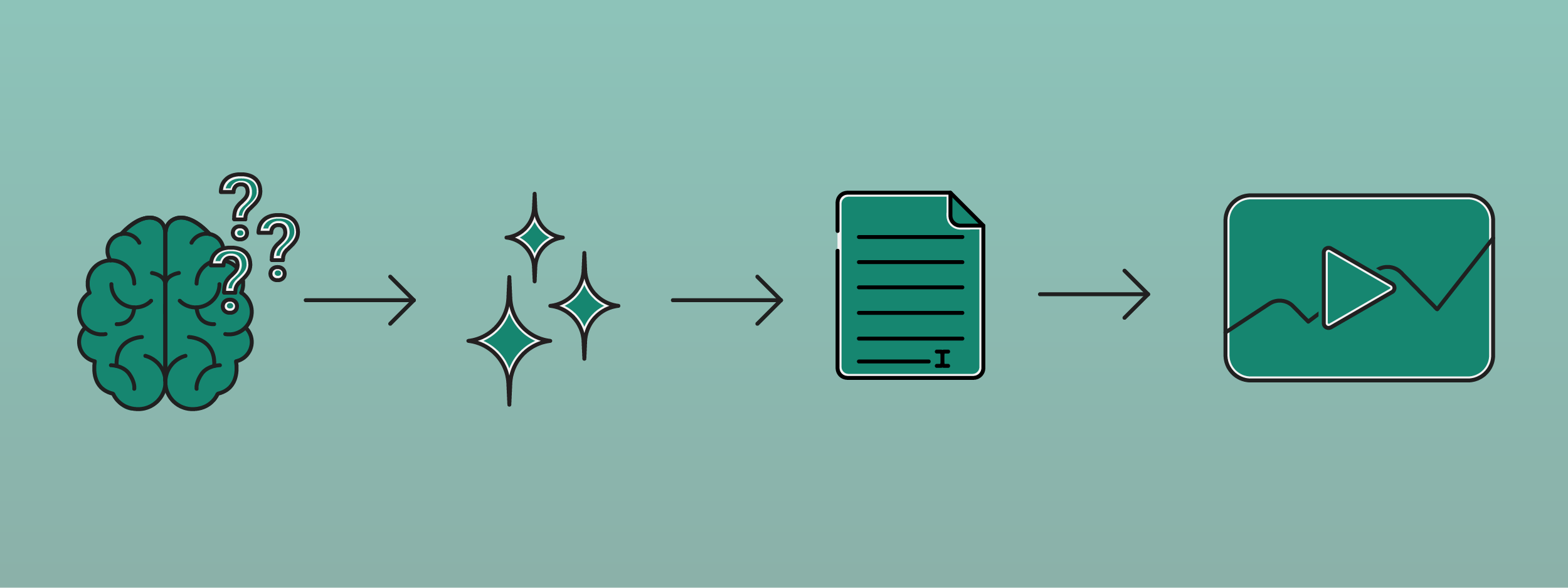
Thanks to AI, almost everything within and around e-learning runs more smoothly. This starts right from the development stage. AI can help you come up with questions, write texts (or gain inspiration for them), and handle the visual aspect. The latter point has only become more important and will increasingly be seen in e-learnings.
For developers, it is important to make use of the possibilities. An e-learning is not an e-book, and you can see that difference in the amount of text. As far as we are concerned, e-learnings consist more of visuals than of text. These visuals ensure that you engage the learner in an attractive way. A certain aspect of wind energy can, for example, be explained by a talking windmill. Afterwards, a multiple-choice question is asked, with the options at the blades of the mill. If an incorrect answer is given, more information follows.
Questions can be generated automatically in the e-learning thanks to AI.

Do: gather inspiration
Coming up with the content for an e-learning module is both the most enjoyable part of the development process and can also be quite frustrating at the same time. If we take the earlier example of wind energy, where do you start? Of course, you know in advance what the target audience is, but that only makes it somewhat easier.
AI is also a nice support in this case, in the initial period, but perhaps even more so once the texts have been written. With AI, you can transform a piece of 'boring' content into a smooth, original e-learning module, where there is room for storytelling, for example. It is, of course, not forbidden to come up with this yourself, but AI can put you on the right track.
Don't: this is obviously AI
It does not benefit e-learning if the student immediately sees that it is largely created by AI. An example is the presentation by an AI actress, where the voice-over is clearly fake and the spoken text does not match the movements of her face. It is just as fake as dubbed American series.
The problem with this is that the student does not feel taken seriously when it is obviously AI. As a developer, you run the risk that the student thinks you do not want to spend time putting together the e-learning. Why would the student then spend time on taking it?
Also, be careful with your texts. AI is a tool for writing texts, but it is absolutely not a substitute. This is partly due to the currently insufficient quality of the texts. You still encounter errors. Additionally, the formatting of AI texts can be quite strange. Clear AI signals are capital letters in words in headings and subheadings, unusual sentence structure, unnecessary hyphens, and inexplicable colons.



Don’t: underestimate the reliability of AI
AI is not yet reliable. This means that sensitive corporate information can easily end up on servers in the United States, while in the case of onboarding, it should only be available in a secure e-learning environment for a select group.
Be extra cautious with sensitive corporate information and do not just cut and paste everything about your company into ChatGPT, and use anonymized data wherever possible. This way, you can be sure that you won't get into trouble and that your data won't be used by unwanted third parties.
Conclusion: these are the do’s and don’ts of AI in e-learnings
AI is more than a suitable tool for the development of e-learnings. However, there are certainly some do’s and don’ts. To start with the latter category: it is important not to overdo it. I mean, how seriously do you take a so-called Dutch film in which it is obvious that the actors are speaking another language and what you hear is dubbed? This also applies to AI in e-learnings; it must not be too obvious.
Be cautious with sensitive information. Use AI purely for matters related to the e-learning and keep company-sensitive information exclusive to the (secured) e-learning.
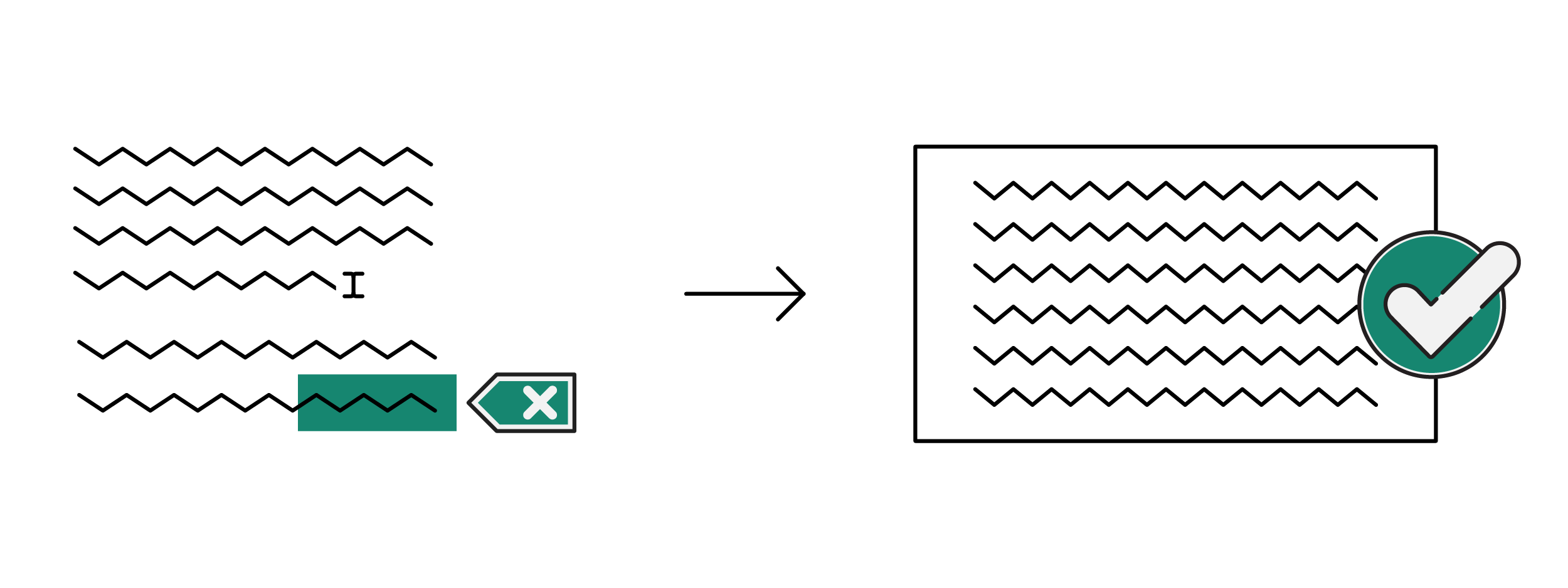
The do’s primarily lie in the possibilities that AI offers. With AI, you can gain inspiration for both the texts and the visual aspect. The entire e-learning is optimized, from errors that are removed from the texts to suggestions made for images, infographics, and videos.